Electrical Energy Calculator
Calculate electricity use from power and duration, or constant DC voltage and current. Compare energy use over different operating times in watt-hours, kilowatt-hours and joules.
Open tool
Enable JavaScript to format values. Notation guidance remains available below.
Rewrite a decimal value in engineering notation, scientific notation and SI-prefix form with a chosen number of significant digits.
Enter a number using a decimal point or an e exponent, such as 0.0047 or 4.7e-3. Do not include commas, formulas, prefixes or unit symbols in the value field.
Select the input scale and unit separately. For 4.7 microfarads, enter 4.7, select Micro and choose Farad. Unit labels do not convert between physical quantities.
Choose 1–12 significant digits. The result shows engineering notation, SI-prefix form when available, and scientific notation. The coefficient scale diagram separates the written coefficient from its power of ten.
Open Show the steps to inspect scaling and rounding, or Decimal form to read the rounded value without an exponent. Copy result saves the displayed forms; Reset clears the value and restores the starting settings.
Selecting No unit still allows decimal scaling, but omits SI-prefix form. Numbers outside the SI prefix range remain available in engineering and scientific notation.
Scientific notation writes a nonzero value as a coefficient with magnitude from 1 up to, but not including, 10 multiplied by a power of ten. Engineering notation chooses an exponent divisible by three, so its coefficient has magnitude from 1 up to, but not including, 1000.
SI prefixes name decimal powers attached to unit symbols. Prefix symbols are case-sensitive: m means milli and M means mega. This tool includes quecto through quetta; automatic engineering output uses prefixes at powers divisible by three.
The input decimal is handled as digits and a power of ten. Scaling by a prefix is exact. Rounding happens once, to the selected number of significant digits; an exact halfway case rounds to the nearest result whose last retained digit is even.
Rounding can move a value into the next engineering interval. At three significant digits, 999.5 V becomes 1.00 kV. The new prefix and coefficient must be chosen after rounding.
More displayed digits do not make a measurement more accurate. This formatter does not infer uncertainty, convert different kinds of units, or interpret binary prefixes such as Ki and Mi. Mass uses gram as its input unit, allowing kilo plus g to form kg.
Exact input scaling: base value = entered decimal × 10^(input scale exponent)
Engineering exponent: E = 3 × floor(decimal order / 3), for a nonzero rounded value
Engineering coefficient: coefficient = rounded value / 10^E
Scientific coefficient: coefficient = rounded value / 10^(decimal order)
4700 V, no input scale, 3 significant digits: 4.70 × 10^3 V = 4.70 kV. Engineering notation groups the exponent in thousands.
0.0000047 F, 2 significant digits: 4.7 × 10^-6 F = 4.7 µF. Micro represents a factor of one millionth.
999.5 V, 3 significant digits: 1.00 × 10^3 V = 1.00 kV. Rounding carries the coefficient into the next prefix.
1.245 V and 1.255 V, 3 significant digits: 1.24 V and 1.26 V. Exact halfway cases keep an even last retained digit.
2.5 g, kilo input scale, 2 significant digits: 2.5 × 10^3 g = 2.5 kg. The prefix belongs to gram; a second prefix is never added to kg.
1e33 V, 3 significant digits: 1.00 × 10^33 V; no SI prefix. The value is valid even when no named SI prefix covers its engineering exponent.
Available now
Calculate electricity use from power and duration, or constant DC voltage and current. Compare energy use over different operating times in watt-hours, kilowatt-hours and joules.
Open tool →Available now
Add up to 20 resistors in series using Ω, kΩ or MΩ for circuit analysis and electricity calculations, with a diagram and running total.
Open tool →Available now
Convert absolute temperatures between Celsius, Fahrenheit and kelvin.
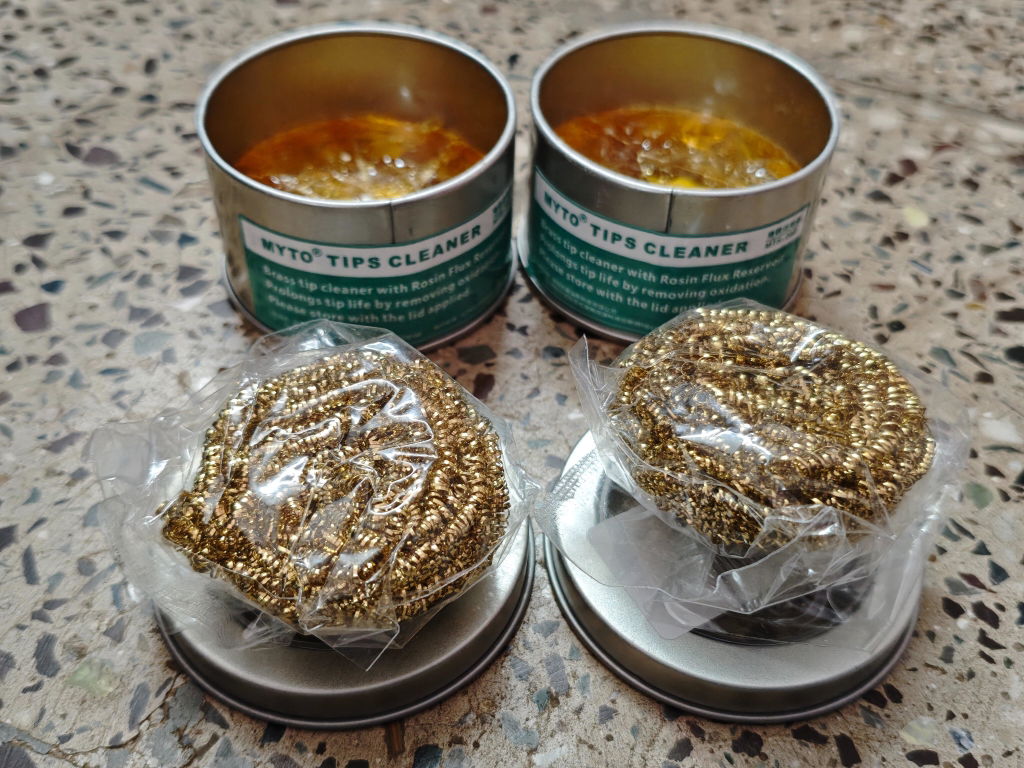
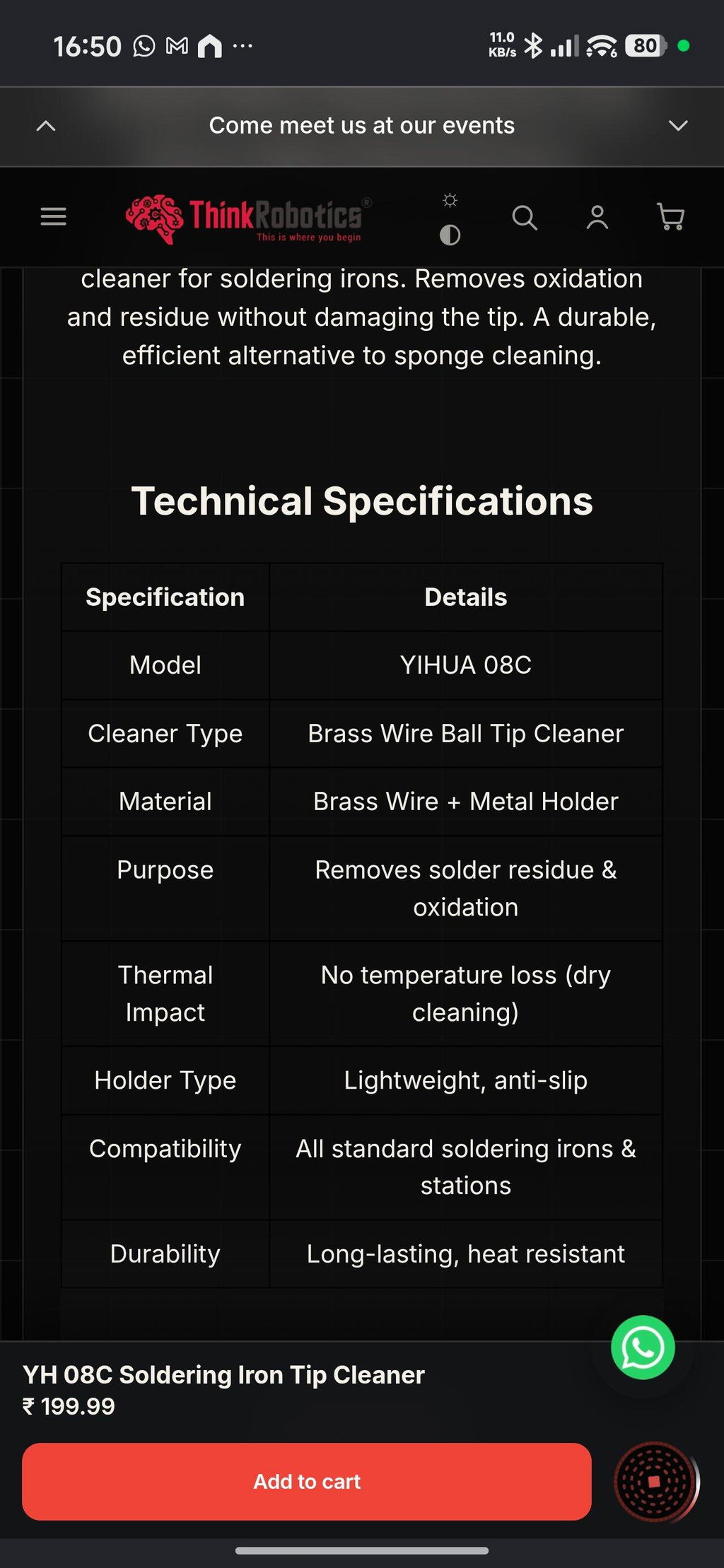
Open tool →Given the fact that this was my first purchase and I made it thinking I was buying genuine Yihua products, this has been a setback. I received a lesser known OEM brand called MYTO and while both the products seem to be similar from appearance, my real contention is the quality and quantity of the brass wool. On top of that not informing the customer about the unavailability of the Yihua product and instead sending a product from a different brand is also antagonising. Henceforth, I might just have to think twice before ordering from ThinkRobotics.
TOF MINIF Range Sensor - UART TOF Time-of-Flight Laser Range Sensor
We are disappointed with our recent order experience. We clearly communicated our requirement for 433 MHz antennas on WhatsApp, but the issue remains unresolved. We have been following up for more than 10 days and are still waiting for a proper refund resolution.
As a regular B2B customer, we expected better support. This experience has affected our trust in ThinkRobotics, and we may have to consider other suppliers for future purchases. We request a fair and prompt refund.
Anodised Aluminium Cup Head Washers (Pack of 10)