Best seller

Yahboom

Yahboom Wireless PS2 Controller with USB

SKU: ELC4033

₹ 2,049.99

Out of stock

šŸ“¦ Min order 1
Chat with us on WhatsApp We reply quickly! Contact Us
Yahboom Wireless PS2 Controller with USB₹ 2,049.99
Ask AI about this product

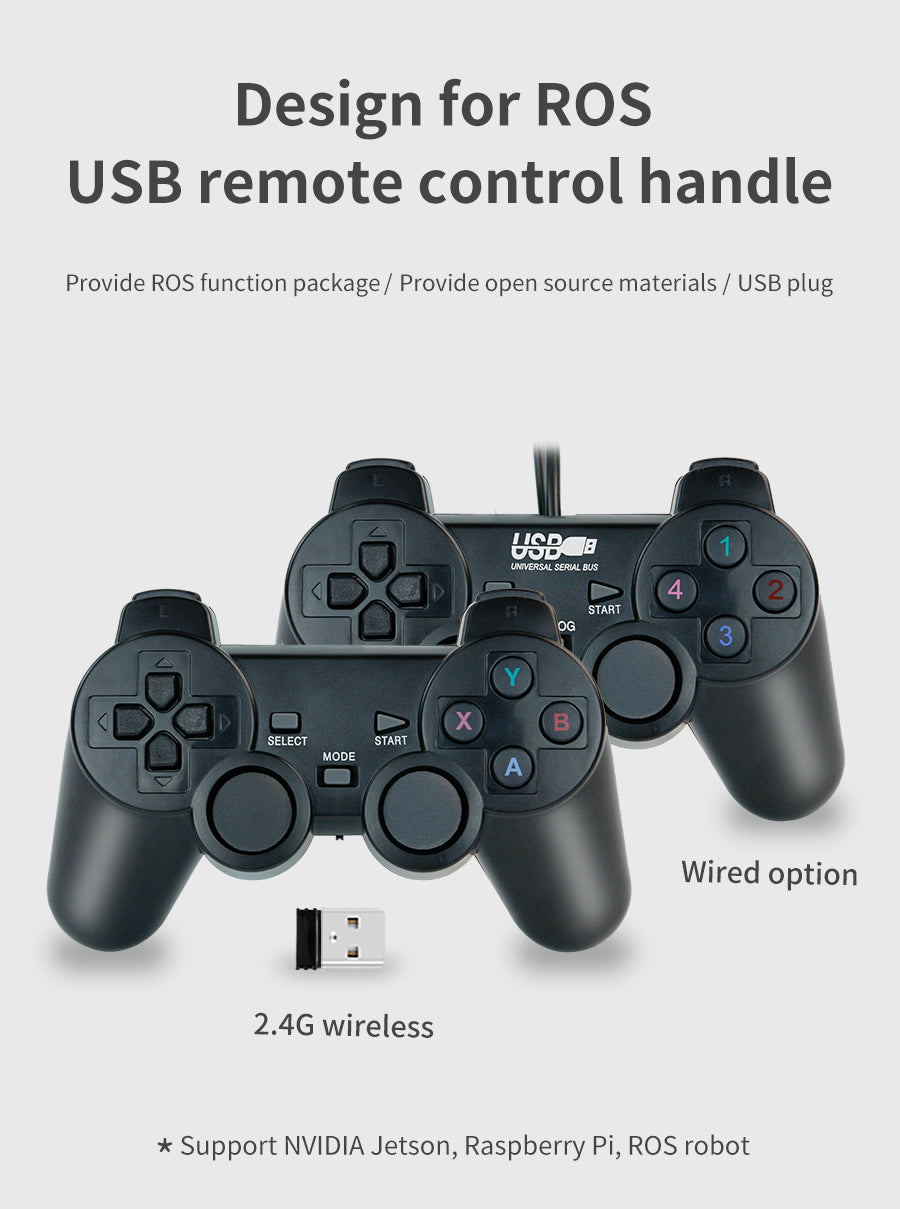
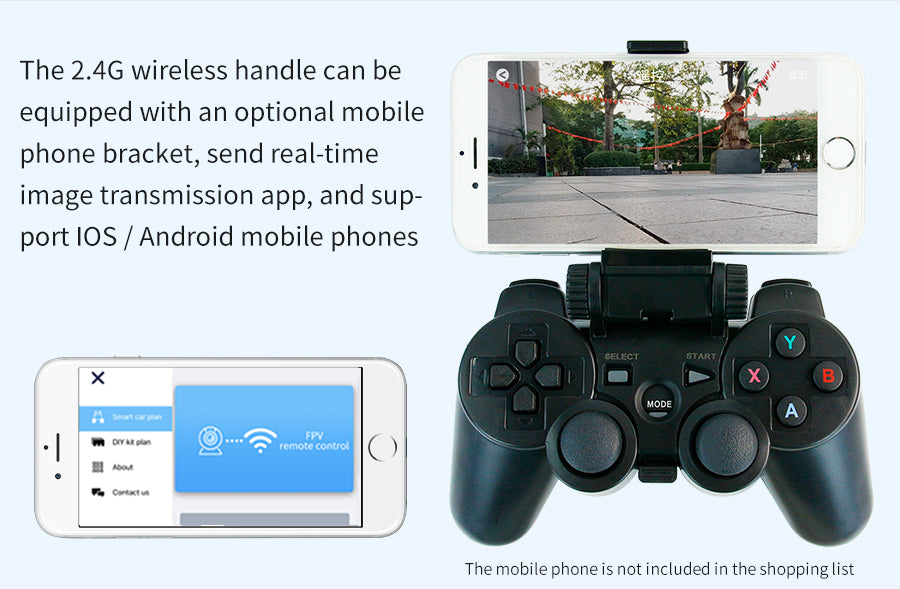
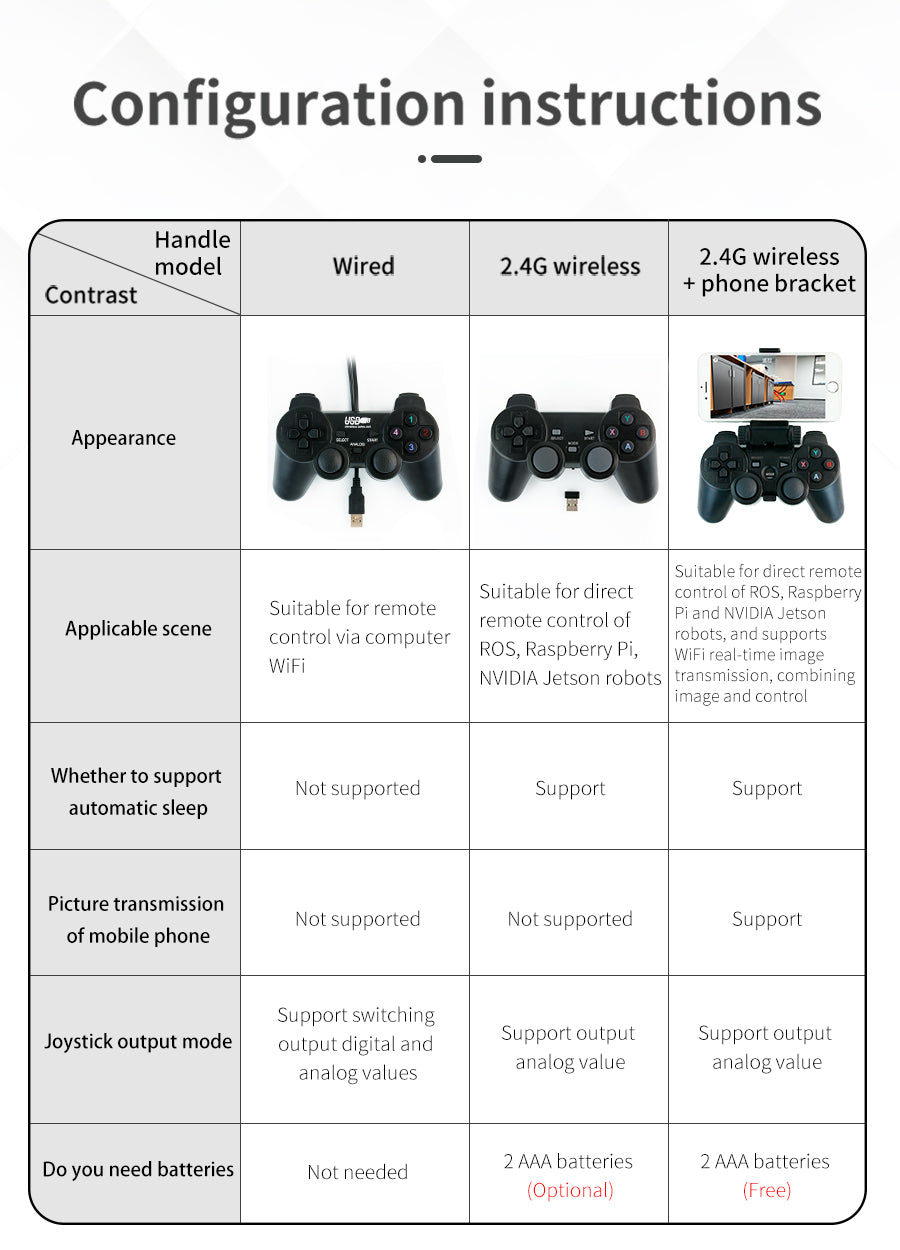
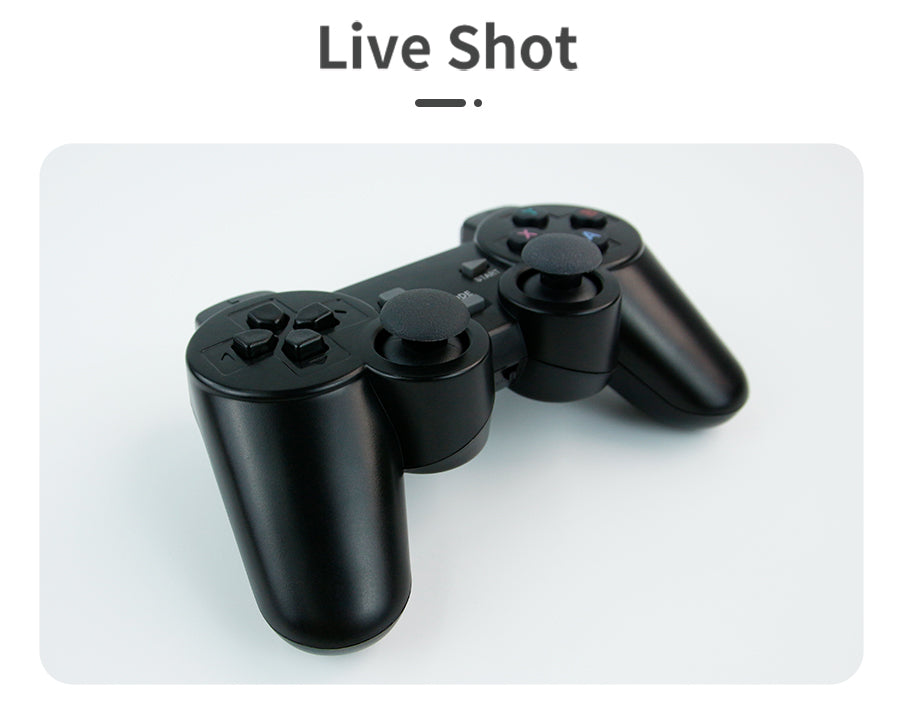
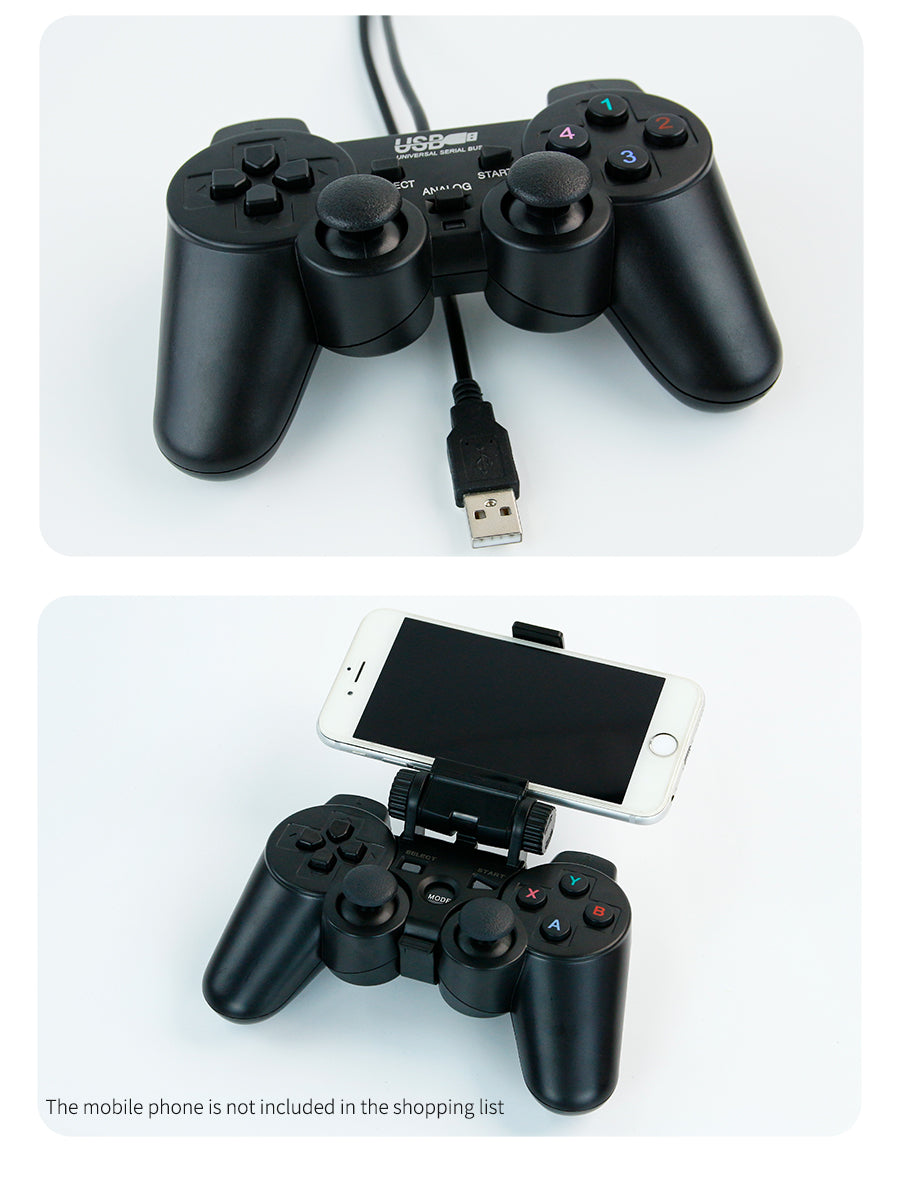
Yahboom USB Wireless PS2Ā ControllerĀ for ROS robot supports FPV APP control

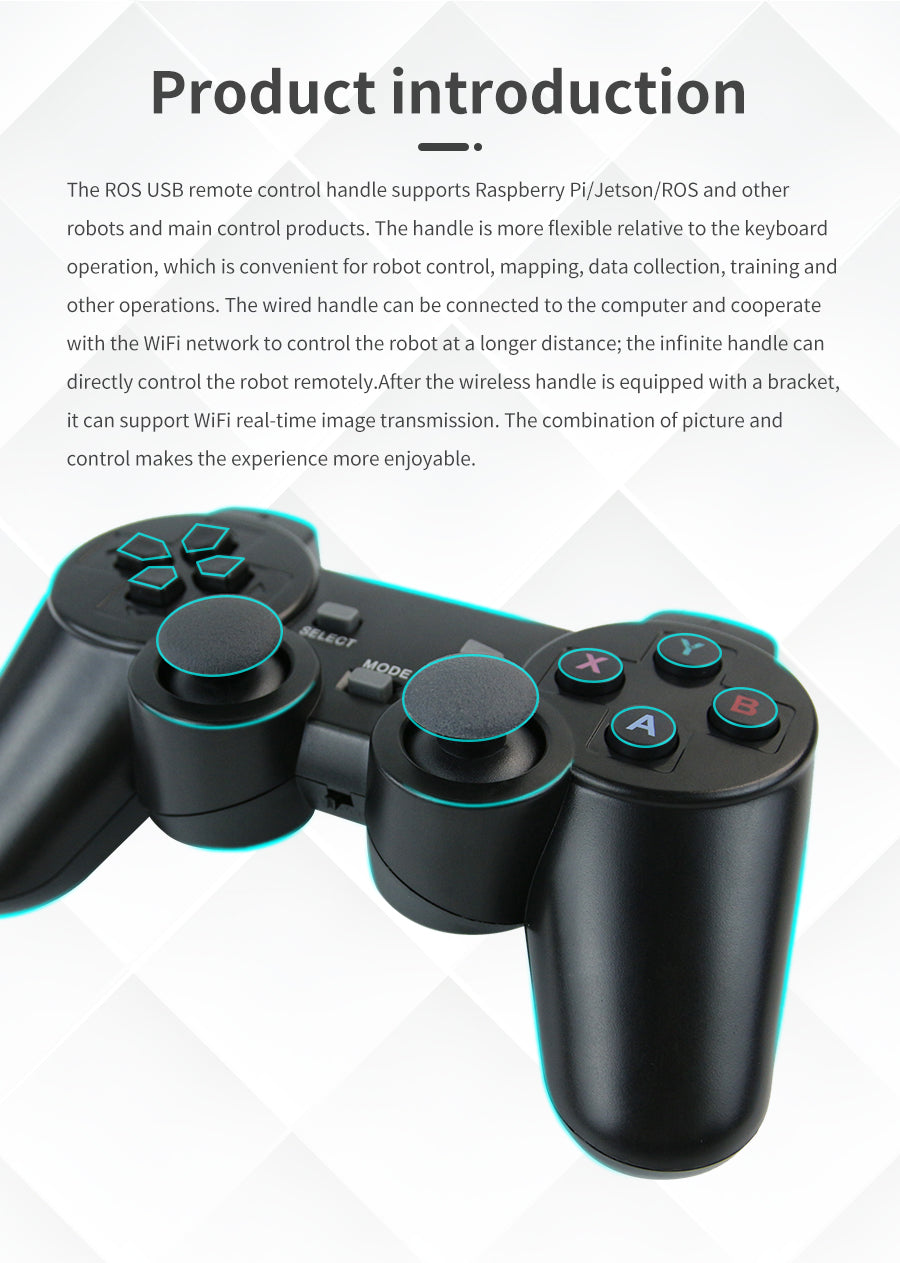
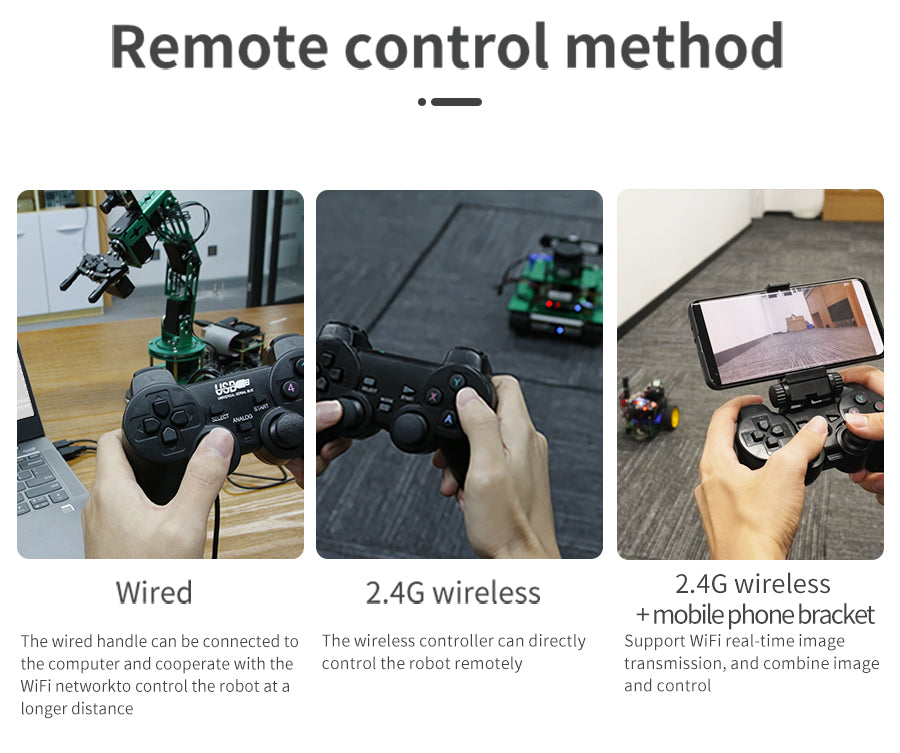
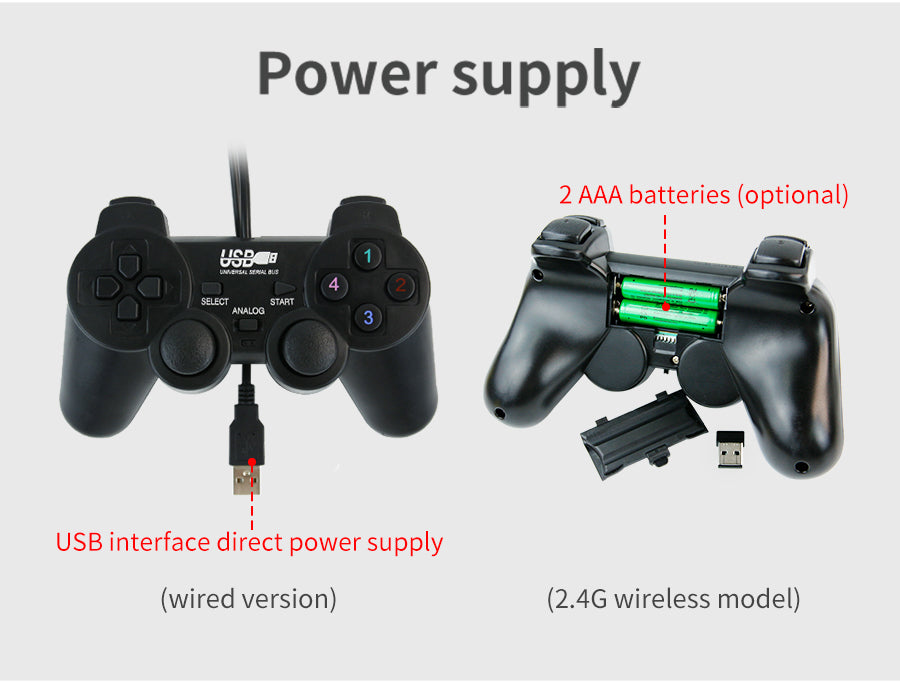
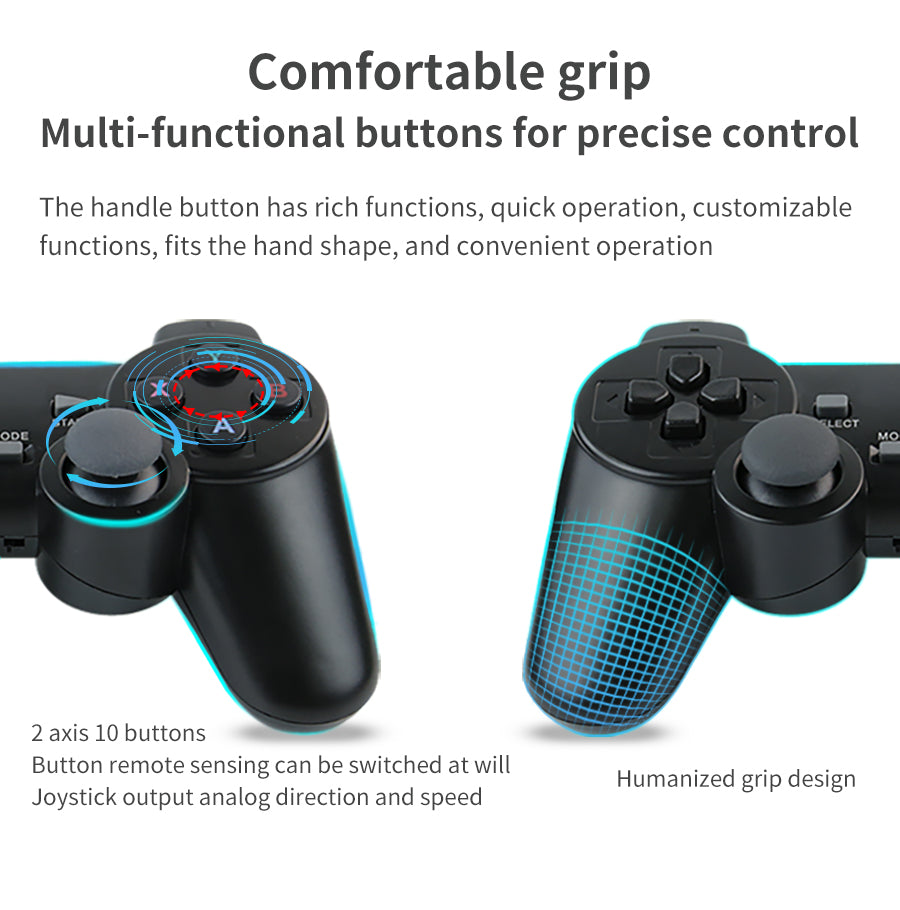
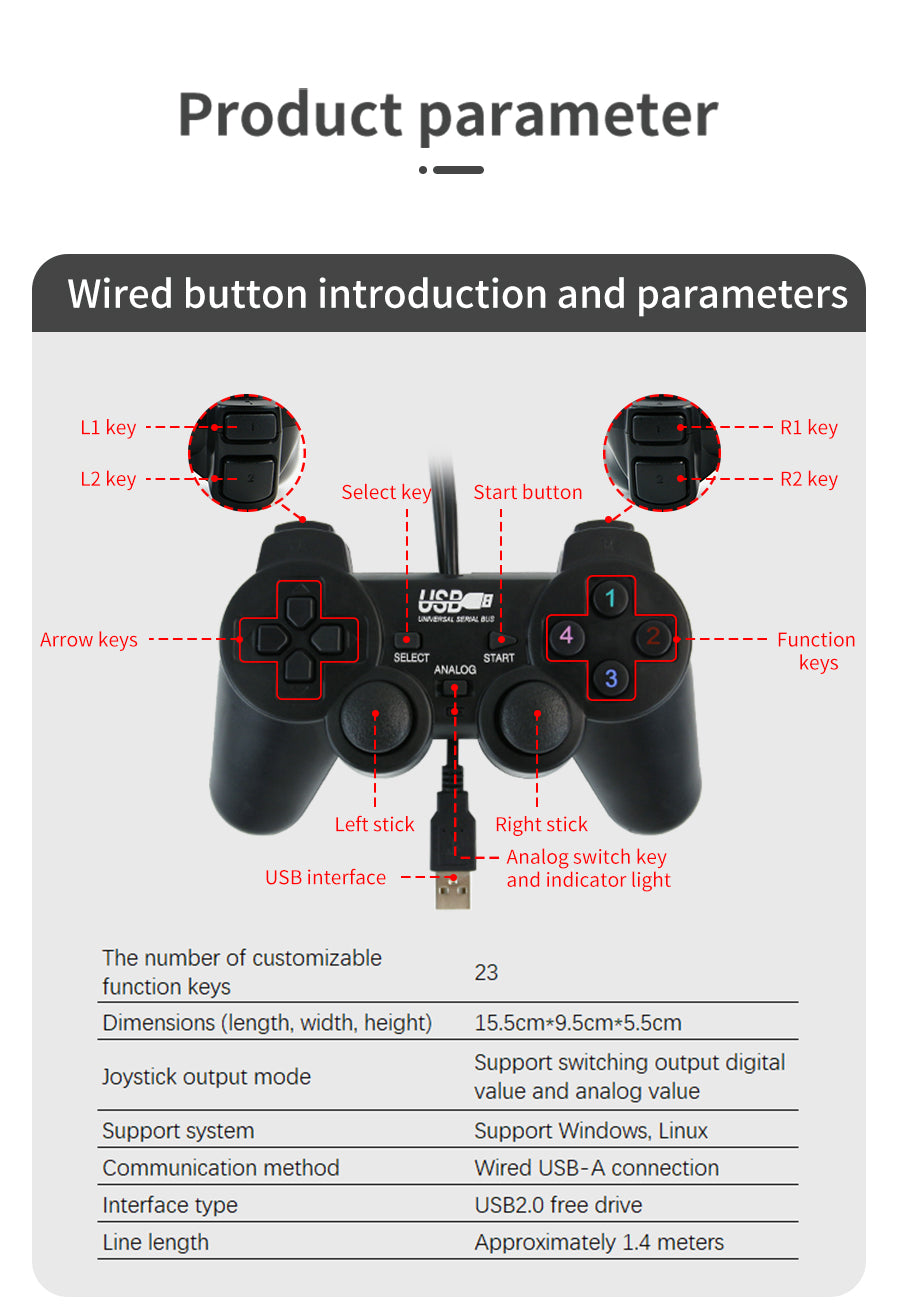
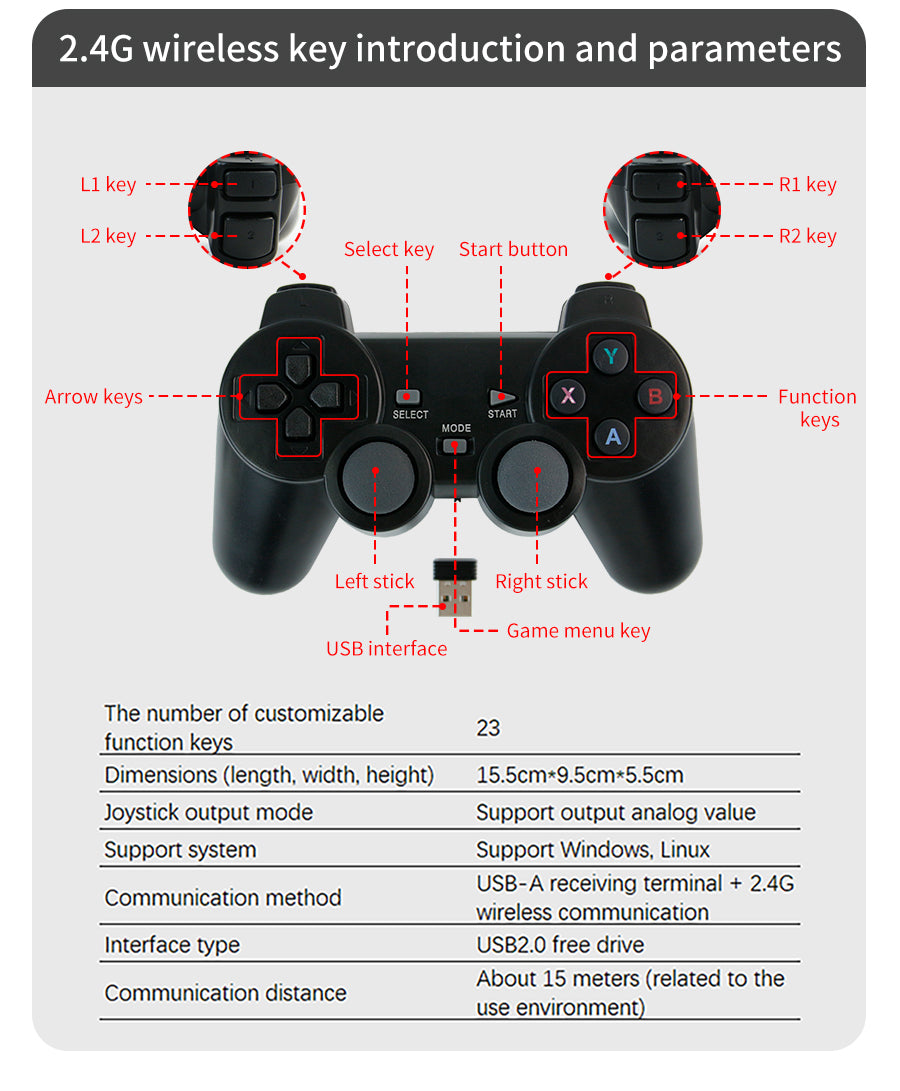
This ROS dedicated wireless handle comes with 4 direction buttons, two joysticks, 4 function buttons, and the remote control distance can reach 15m. A USB adapter is included in this kit, no driver is required, it can be paired with the handle after plugging it into the computer. We provide a large number of ROS source codes and tutorials so that customers can use it to remotely control ROS robots and smart cars. It is flexible and responsive, making it the best choice for makers and ROS enthusiasts.

Ā 

Feature

  • USB wireless pairing is convenient.
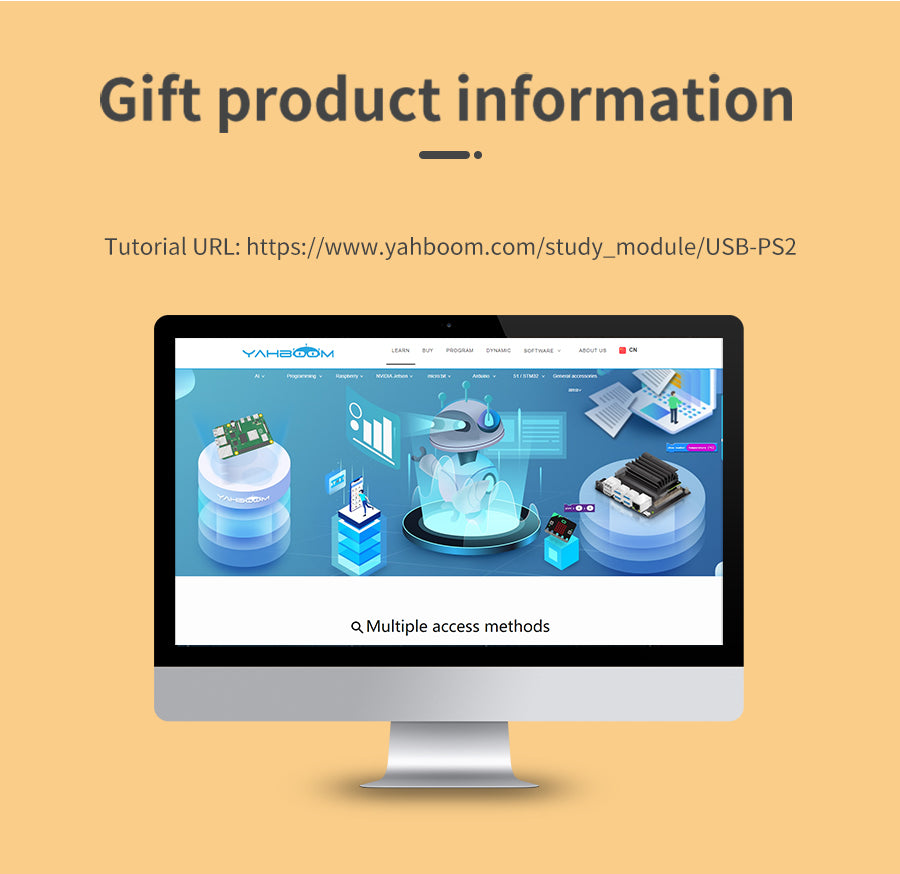
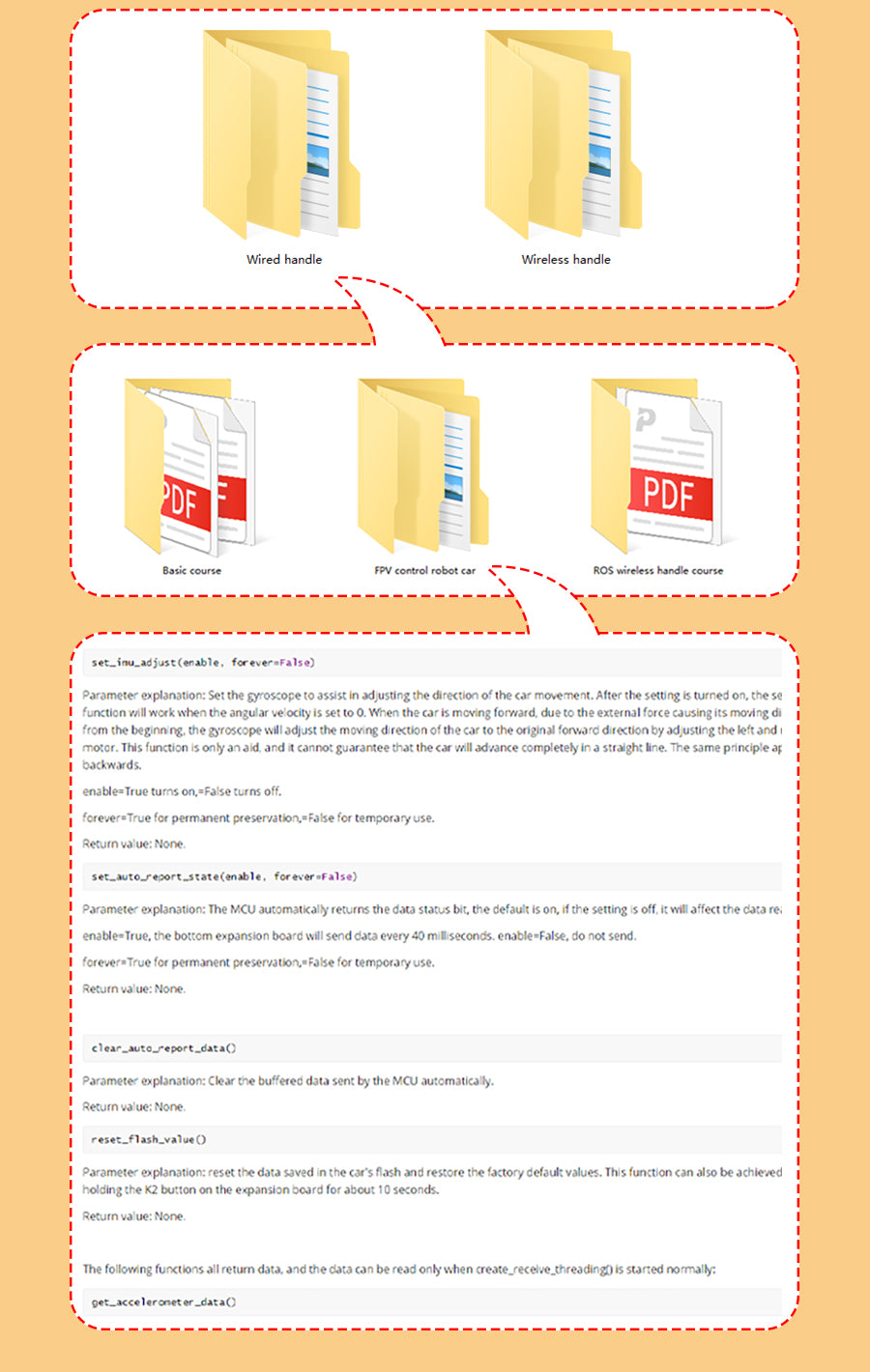
  • ROS source codes and tutorial materials will be provided.
  • Exquisite workmanship, flexible operation and responsiveness.
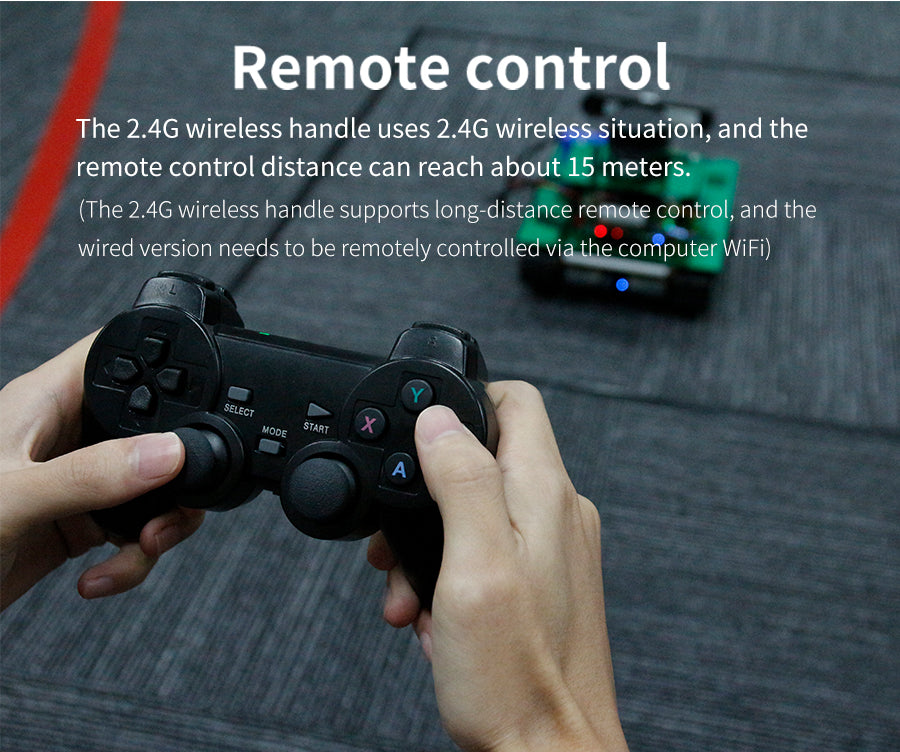
  • Remote control distance can reach 15 meters.

Ā 

Ā 

Ā 

Ā 

Ā 

Does this controller work with ROS and PC without installing drivers?
Yes, it works with ROS and PCs without drivers. It pairs via the included USB adapter after you plug it into the computer.
What is the wireless range of the controller?
The remote control distance can reach 15 meters.
What is included in the kit and how do I connect it?
The kit includes a USB adapter. No driver is required. After you plug the adapter into the computer, pair it with the controller.
Are there ROS resources available for setup and programming?
Yes, the product provides ROS source codes and tutorials to help you remotely control ROS robots and smart cars.
Who is this controller best suited for?
It is designed for makers and ROS enthusiasts and offers flexible and responsive operation.
Welcome to the discussion thread for Yahboom Wireless PS2 Controller with USB
Feel free to ask questions, share tips or report issues.
Add Post

For more discussion Click Here

Fill out the form below and our team will get back to you with bulk pricing.

Description
Ask AI about this product

Yahboom USB Wireless PS2Ā ControllerĀ for ROS robot supports FPV APP control

This ROS dedicated wireless handle comes with 4 direction buttons, two joysticks, 4 function buttons, and the remote control distance can reach 15m. A USB adapter is included in this kit, no driver is required, it can be paired with the handle after plugging it into the computer. We provide a large number of ROS source codes and tutorials so that customers can use it to remotely control ROS robots and smart cars. It is flexible and responsive, making it the best choice for makers and ROS enthusiasts.

Ā 

Feature

  • USB wireless pairing is convenient.
  • ROS source codes and tutorial materials will be provided.
  • Exquisite workmanship, flexible operation and responsiveness.
  • Remote control distance can reach 15 meters.

Ā 

Ā 

Ā 

Ā 

Ā 

FAQ
Does this controller work with ROS and PC without installing drivers?
Yes, it works with ROS and PCs without drivers. It pairs via the included USB adapter after you plug it into the computer.
What is the wireless range of the controller?
The remote control distance can reach 15 meters.
What is included in the kit and how do I connect it?
The kit includes a USB adapter. No driver is required. After you plug the adapter into the computer, pair it with the controller.
Are there ROS resources available for setup and programming?
Yes, the product provides ROS source codes and tutorials to help you remotely control ROS robots and smart cars.
Who is this controller best suited for?
It is designed for makers and ROS enthusiasts and offers flexible and responsive operation.
Reviews
Forum
Welcome to the discussion thread for Yahboom Wireless PS2 Controller with USB
Feel free to ask questions, share tips or report issues.
Add Post

For more discussion Click Here

Similar Products
Bulk Order

Fill out the form below and our team will get back to you with bulk pricing.

Custom Requirements?

Meet with our team

Scheduling widget